Find the product you want.
Enter a model name. AI helps find matching products.
 hargaa.
Compare prices and offers across Shopee, Lazada and other stores with AI. Find a better deal before you buy.
Step-by-step installation guide included
HARGAA AIOne search. More stores. Let AI do the comparing.






Product vision · Store logos are illustrative. Live coverage is not yet connected.
See the same product across stores, check the terms and choose the offer that suits you.
Enter a model name. AI helps find matching products.
Check item prices, delivery costs and promotion requirements.
Pick the purchase option that works best for you.
Search for “AirPods 4” to try the price comparison demo.
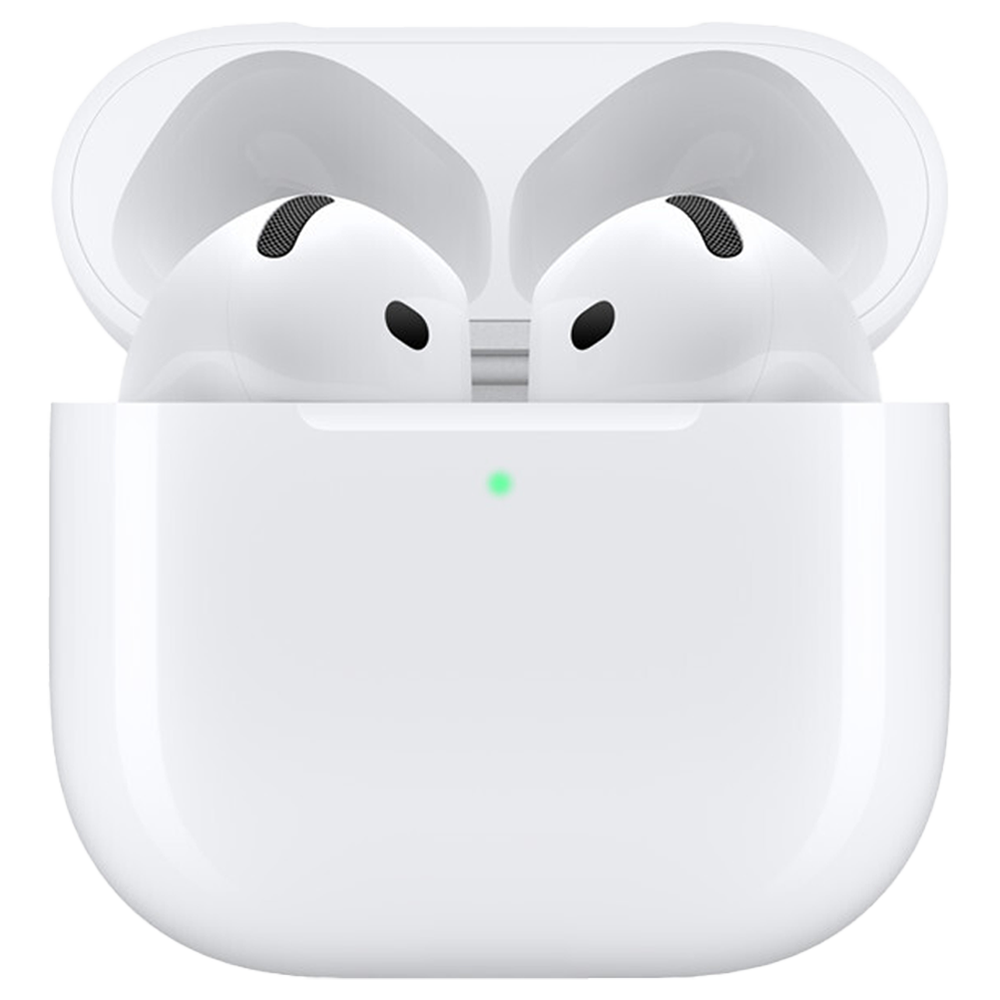
White · Standard model without ANC
Same model. Same version.Lower price in this exampleSame model and versionSame model and versionPrices are examples, exclude delivery and are not live quotes. This demo does not search the web.
Example comparison · Promotion terms below

Check store promotions, credit card offers and their terms. Choose where to shop and how to pay.
Spend at least RM200 in a single transaction in the Lazada app and pay with an HSBC / HSBC Amanah Credit Card/-i.
One redemption per user each Friday. Limited to 250 Visa and 150 Mastercard redemptions per Friday, on a first-come, first-served basis.
Confirm eligibility, remaining redemptions, vouchers and whether offers can be combined at checkout. This discount has not been deducted from the example prices above.
Valid from 1 August 2026 to 31 January 2027. The bank may change or end the promotion.
Source: HSBC Smart Privileges. This information helps you compare options; your eligibility has not been confirmed.
Follow products you like. Hargaa plans to notify you when offers appear, so you can review the deal before buying.
You choose whether to receive notifications and can unfollow at any time.
A product you’re interested in
HargaaNotification demoTap “Follow” to preview an offer notification.
This is a simulation. No product is actually followed and no real notification is sent.
Download Hargaa and start with the product you have in mind.
AirPods prices are examples. The HSBC promotion comes from official information, with the check date shown. Live AI search, store prices and offer monitoring are not connected in this demo.
No. Hargaa is an independent price comparison tool, shown here as a product preview. Logos identify stores and do not imply an official partnership. Once launched, purchases will be completed at your chosen store.
No. Viewing offer information does not require your card number, password, OTP or access to your bank account.
Tap “Download Hargaa”. Once the download finishes, open the file from your phone’s Downloads folder and follow the Android installation prompts. An installation guide also appears when you tap the download button.